# Javascript is replacing your $400 scanner
We now live in an age where you no longer need to buy a $400 printer to scan documents. Tools like [Adobe Scan](https://play.google.com/store/apps/details?id=com.adobe.scan.android) and [CamScanner](https://play.google.com/store/apps/details?id=com.intsig.camscanner) allow you to do it straight from your phone!
Web developers are constantly pushing the limits of what can be accomplished on the web. Now, you can create a scanner with **just Javascript.**
***So let’s make one ourselves.***
---
## Introduction
We will be using [jscanify](https://github.com/ColonelParrot/jscanify), a “mobile document scanning” library that lets us achieve this.
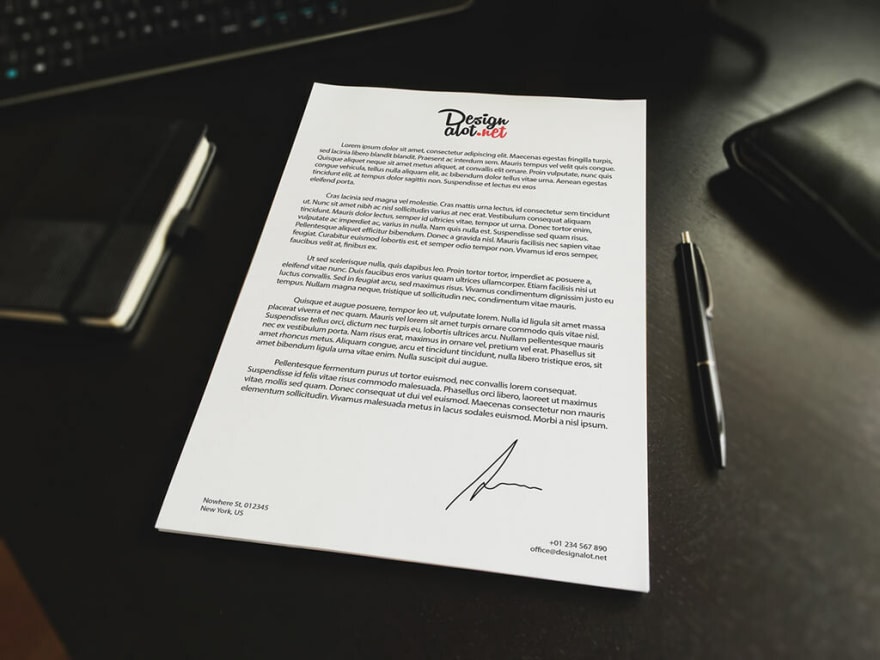
Our goal is to convert the image on the left, to the one on the right:

## Setting up the environment
We'll be doing this in a web environment. If you want to do this server side or with React, jscanify supports it too (you'll need to check the [documentation](https://github.com/ColonelParrot/jscanify/wiki) though).
```html
```
## Getting the image and scanning
Now, let’s create an `image` to scan.
To scan the image, we will need to initialize `jscanify`, then use the `extractPaper` method to get a `canvas` which contains the result:
```html
 ```
Here, we first wait for OpenCV to load by listening for the `onRuntimeInitialized` event. The two parameters that we pass to `extractPaper` are the width and height respectively.
---
So there you have it! You’ve just replaced a $400 scanner with just a few lines of Javascript.
For a live demonstration, you can check out the one on their [home page](https://colonelparrot.github.io/jscanify/).
```
Here, we first wait for OpenCV to load by listening for the `onRuntimeInitialized` event. The two parameters that we pass to `extractPaper` are the width and height respectively.
---
So there you have it! You’ve just replaced a $400 scanner with just a few lines of Javascript.
For a live demonstration, you can check out the one on their [home page](https://colonelparrot.github.io/jscanify/).